ZwiftPref hotfix
This is a bug fix update, necessary to get the full list of worlds and routes after some security updates server-side at ZwiftHacks.


This is a bug fix update, necessary to get the full list of worlds and routes after some security updates server-side at ZwiftHacks.
The ability to zoom in and out with the mouse wheel in the ZwiftGPS window was broken in the recent version 2.1.0. It has been fixed now – place your mouse in the top right corner of the ZwiftGPS and wheel away… Where can I get it? Find the downloads and more information at the…

TR-Z-move solves two problems: There is a bug in the current version of TrainerRoad when running on a secondary screen in minimal mode. The workout instructions will still be displayed on your primary screen and not on the same screen as the workout window itself. TR-Z-move fixes this. I want to arrange the Zwift window…
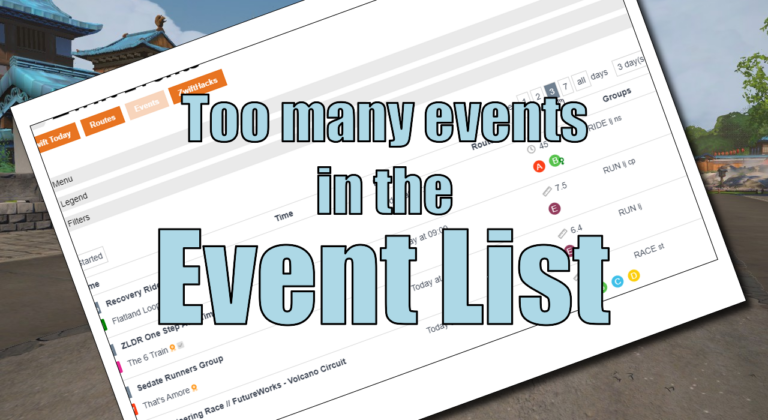
Many events is a good thing. But – many events can also be a bad thing for the event list. Currently, Zwift has loaded the calendar with about 7.000 events, and trying to show all that in a single page will cause problems on some devices. To help fix that problem the default is now…
TR-Z-move has been updated to version 3. The only change is a bug fix – the interval summary window was occasionally moved away from its position right above the minimal workout window. How to use If you use the ‘Watch for changes’ option it doesn’t matter in which sequence you launch TrainerRoad, Zwift, and TR-Z-Move….
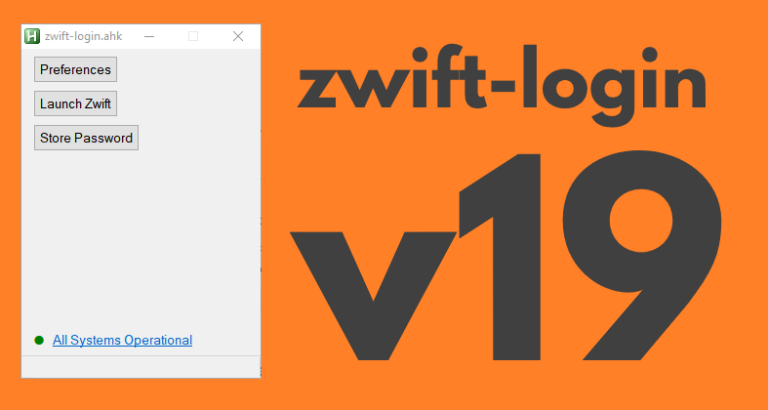
zwift-login is fixed to launch TR-Z-move together with Zwift if both scripts (zwift-login and TR-Z-move) are located in the same folder. Download the update Get the new version 19 at the zwift-login page.
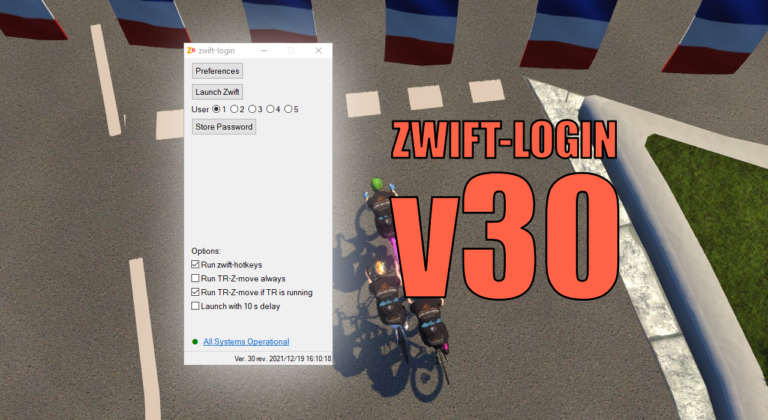
With this update the version number jumps to 30. Version 28 and 29 were never formally released but now it is time to catch up 🙂 The changes since v27 are: Option to conditionally launch TR-Z-move (only launch it when TrainerRoad is running) Support for special Zwift installations added: You can set ZWIFTPROG and ZWIFTDOC…
I use pref to finish handful of gravel run.
I save the pref.xml file success, but I open zwift-mac, I can not find the route .