These are the new routes in Watopia…
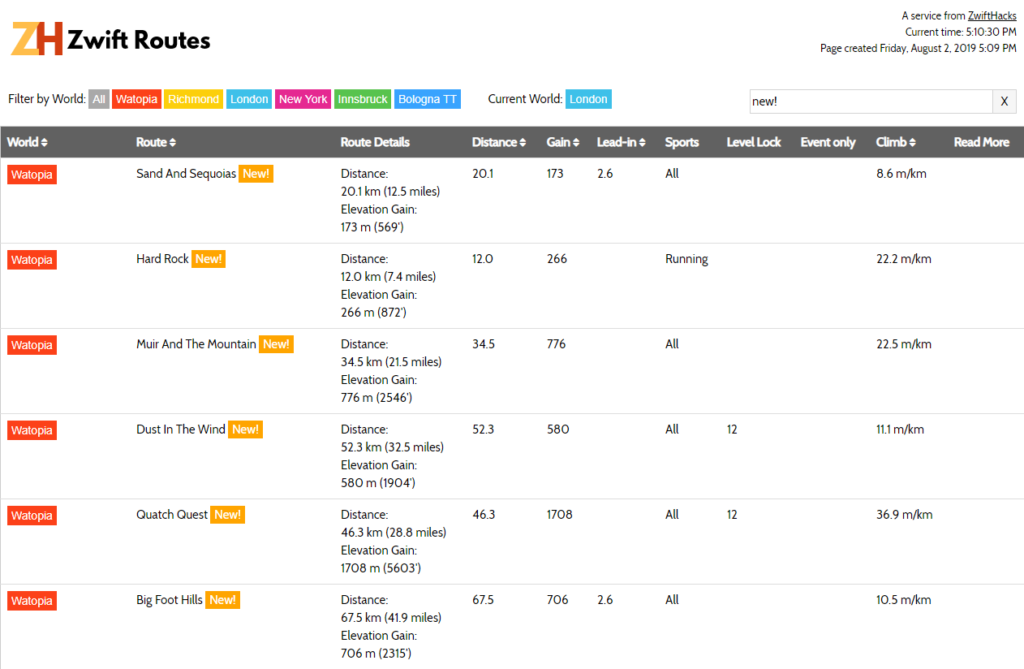
See the route listing at https://zwifthacks.com/app/routes/?filter=new!

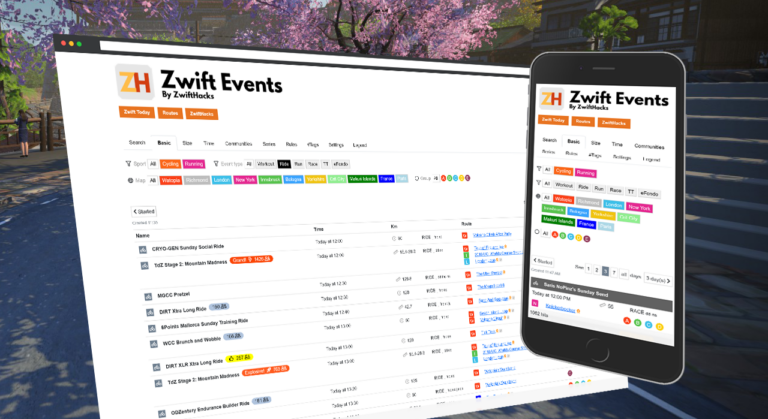
The top section of the events page has been improved with a tabbed menu as one of the changes. Some of the filter options were hard to find before. With these changes they should be easier to access. You may notice different layout and styling changes, too. They should only be minor, however. If you…
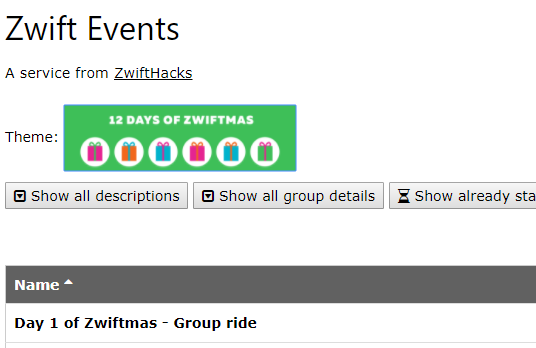
Will you be taking part in the 12 Days of Zwiftmas? The events list at https://zwifthacks.com/app/events can quickly give you a list of the 12 Days of Zwiftmas events. Just press the button which says (… drumroll …) ‘12 Days of Zwiftmas’. Ta-da!
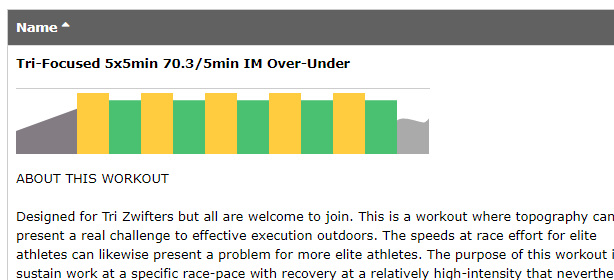
If you wonder what your next group workout will be like the events list at https://zwifthacks.com/app/events gives you a quick overview of the workout with nifty graps for all group workouts. You can also filter the list by type of event – it makes it much simpler to find just the right event for you to…
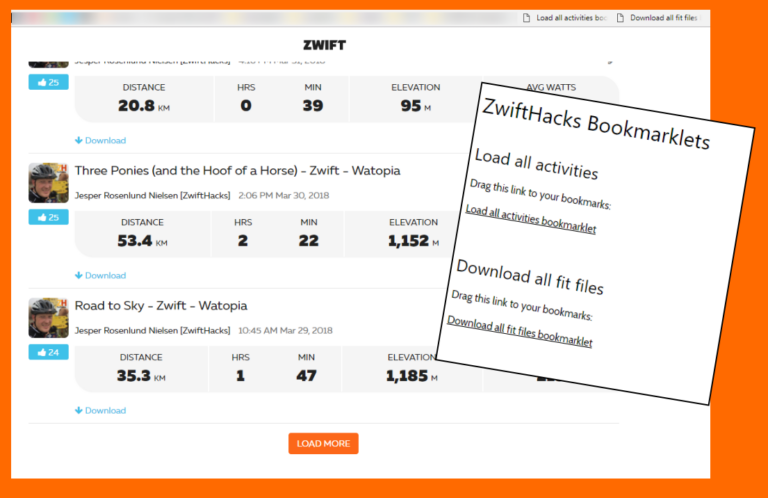
The sun is shining, it is maybe time to ride some outdoors – but first you want to review your Zwift season on https://my.zwift.com. You log in, the first activities load, and then … you press Load More… and wait… press Load More… and wait… press Load More… and wait… Help is on its way! Here…
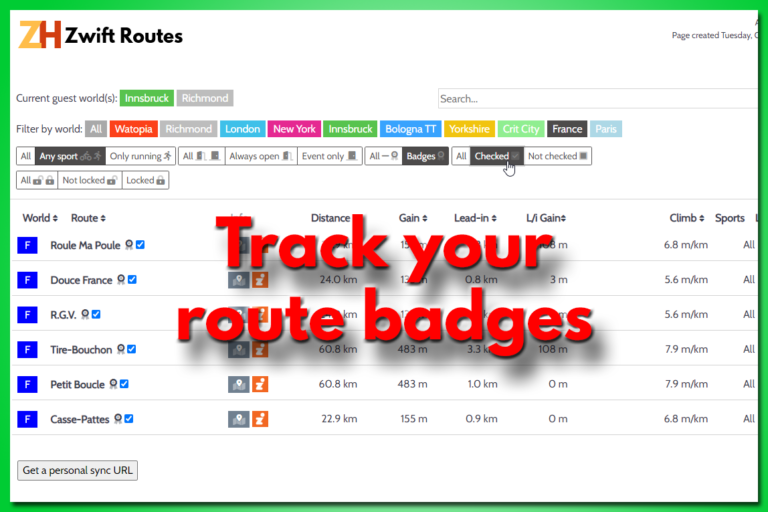
There is a new way to track your route badges. It doesn’t require you to create any user account but simply stores the info in your browser. It also gives you a dedicated URL / web page address you can bookmark. Use that and you can access your data from anywhere. The Zwift Routes page…
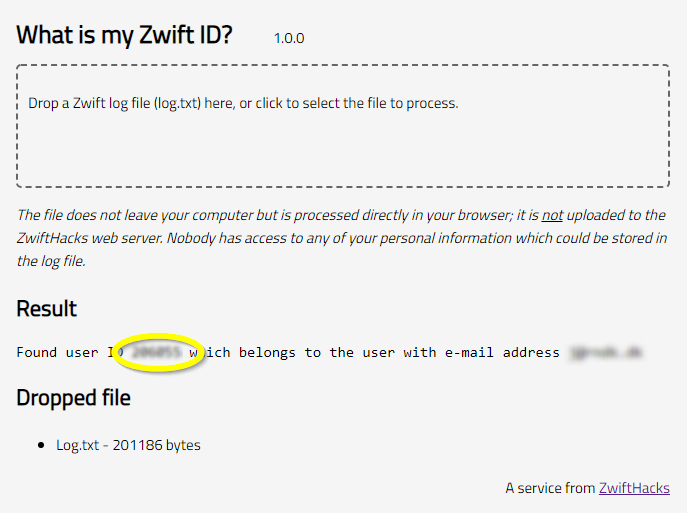
Your Zwift user ID is something you need for two important purposes: Logging in to ZwiftGPS and signing up at ZwiftPower. In this post – the first of a series – I show you how to find it in a secure manner using your log file. Part two will show you how to find it…