AutoHotkey | Update | Windows | zwift-login
zwift-login version 19
zwift-login is fixed to launch TR-Z-move together with Zwift if both scripts (zwift-login and TR-Z-move) are located in the same folder.


zwift-login is fixed to launch TR-Z-move together with Zwift if both scripts (zwift-login and TR-Z-move) are located in the same folder.
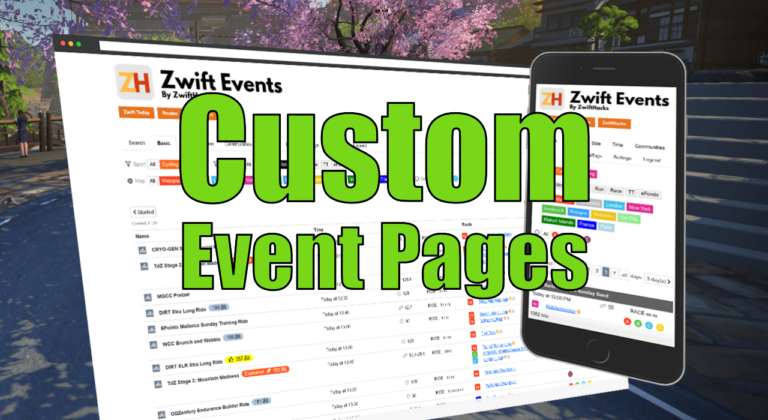
You could already share filters and selections from the event page. Now you can make custom event pages and control which events the page contains before applying the filters. Create a custom event page with only your event series? You can link to a page with only your event in the list. Want to make…

ZwiftMap was just updated to version 4. It contains some requested features and a lot of invisible stuff… Improved how the map is drawn to make it prettier. To give you full flexibility over where the map is shown ZwiftMap now lets you move and resize the map. The position and size can be saved…
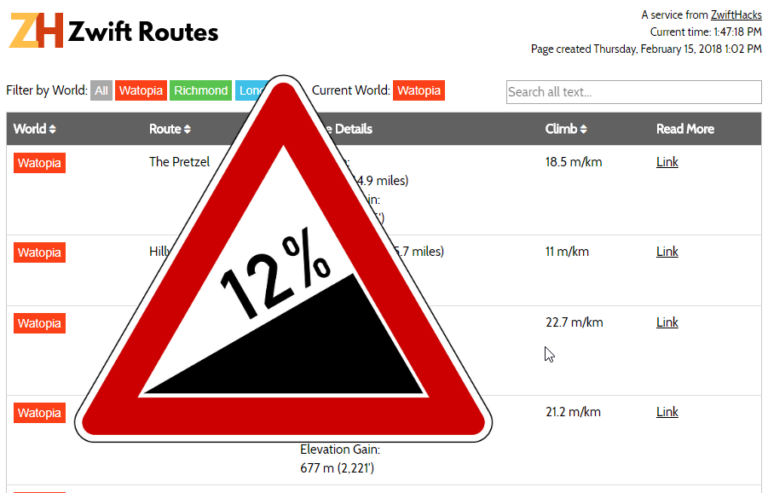
Were you ever in doubt that the Watopia Mountain Route gives you the most elevation gain of all the routes in Zwift? Well, check the numbers yourself in the new Climb column of the route list.

TR-Z-move has been updated to version 4. The big news is that it now supports the new TrainerRoad desktop app (both the beta and the official version). Other than that it works just like before. In previous versions of TrainerRoad the workout instructions could still show on your primary screen and not on the same…
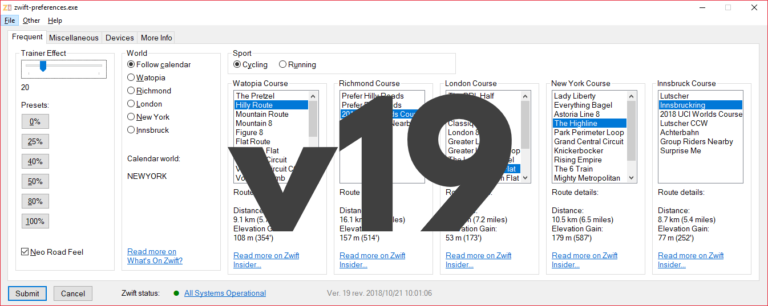
With zwift-preferences version 19 you can choose any of the five world including New York. It also handles route selection for both cycling and running. The ‘Sport’ toggle also determines which pairing screen (cycling or running) will be shown in-game at launch. Selecting routes/courses Depending on the setting ‘Sport’ (cycling or running) you can choose cycling…
zwift-hotkeys has been updated with several new keyboard shortcuts and fixes. Some of the changes are: Keyboard shortcuts (R or Left Alt+R) for toggling between Running and Riding in pairing screen Keyboard shortcuts (1-5 or Left Alt+1/../5) for selecting which device to search for in the pairing screen. The number shortcuts work for choosing a device…