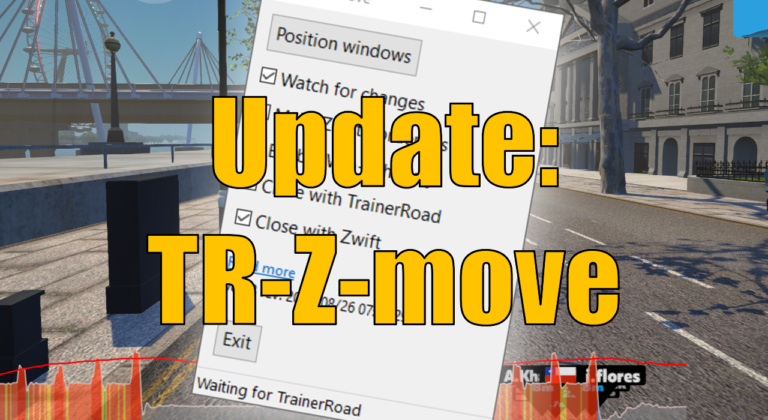
Updates to TR-Z-move: Better multi-monitor support
TR-Z-move is updated to version 12 with improved multi-monitor support:
- Fix move to next monitor for vertically stacked monitors.

Download the update
Get the new version 12 at the TR-Z-move page.
TR-Z-move is updated to version 12 with improved multi-monitor support:

Get the new version 12 at the TR-Z-move page.
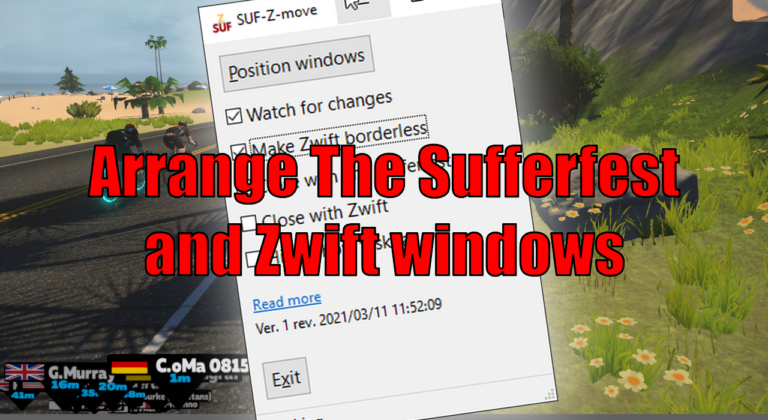
SUF-Z-move lets you arrange the Zwift window to fill the rest of the screen above a The Sufferfest window. SUF-Z-move resizes and moves both windows – The Sufferfest and Zwift – to do so. If you already know TR-Z-move, this is the same – just for The Sufferfest. Download and instructions Go to the SUF-Z-move…
ZwiftMap has just been updated with a bug fix for the chat log – now it will actually display the chat messages which is quite an improvement from version 1.3.1 😉 You can download the newest version for both Windows and macOS at the ZwiftMap page.
A user said: [..] it’d be good if you could change the type size in the chat window, it’s just too small to read from the bike on my screen. Until this feature gets added you can customise this yourself!
It is only a small update but it does make it easier to toggle options with new Alt+<key> shortcuts for some of the GUI elements. The possible shortcut keys are underlined when you press the Alt key. Download the update Get the new version 27 at the zwift-login page.
A couple of things are changed. Chat and ride ons The biggest new feature is that the chat window is now always enabled (but you decide whether to show it or not). ZwiftMap monitors the Zwift log file (log.txt) and displays the chat messages and ride ons you are given in the chat window. Ride…
TR-Z-move is updated to version 8 with a couple of new features.