Skip to content
  • Events
  • Routes
ZwiftHacks
  • Home
  • Desktop ToolsExpand
    • Automate and save mouse clicksExpand
      • zwift-login
      • zwift-hotkeys
    • Other toolsExpand
      • TR-Z-move
  • Online ToolsExpand
    • Events on Zwift
    • Routes
  • Other thingsExpand
    • Top Tips & Tricks
    • Posts
    • Historic…Expand
      • Settings and route selectionExpand
        • zwift-preferences (for Windows)
        • ZwiftPref for macOS & Windows – Change world and other settings
      • Maps and Onscreen DisplaysExpand
        • ZwiftMap (macOS and Windows)
      • parse-zwift-logs
      • ZwUp – make Zwift topmost and transparent
      • The Whoa! Stopper
      • What is my Zwift ID?
      • MAP and FTP Calculator
      • Online workout editorExpand
        • Simple ZWO Creator
      • Updates
  • About…
  • Contact…
ZwiftHacks
  • Tips and Tricks for Zwift on Apple TV — ZwiftBlog
    Tips & Tricks | tvOS | Zwift Insider

    Tips and Tricks for Zwift on Apple TV — ZwiftBlog

    ByJesper [ZwiftHacks] 2017-12-172017-12-17

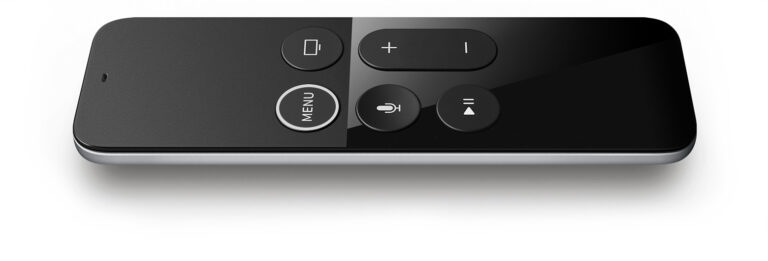
    The first batch of Apple TV tips and tricks as posted on ZwiftBlog: A collection of the best tips, tricks, and observations from the past week. via Tips and Tricks for Zwift on Apple TV — ZwiftBlog

    Read More Tips and Tricks for Zwift on Apple TV — ZwiftBlogContinue

  • How to find your Zwift ID on an iOS device
    iOS | Tips & Tricks

    How to find your Zwift ID on an iOS device

    ByJesper [ZwiftHacks] 2017-11-302017-11-29

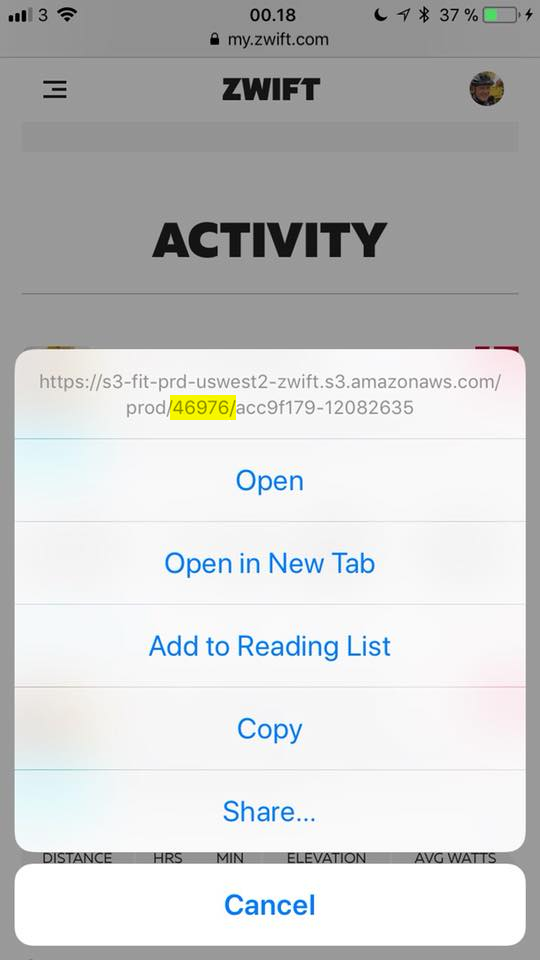
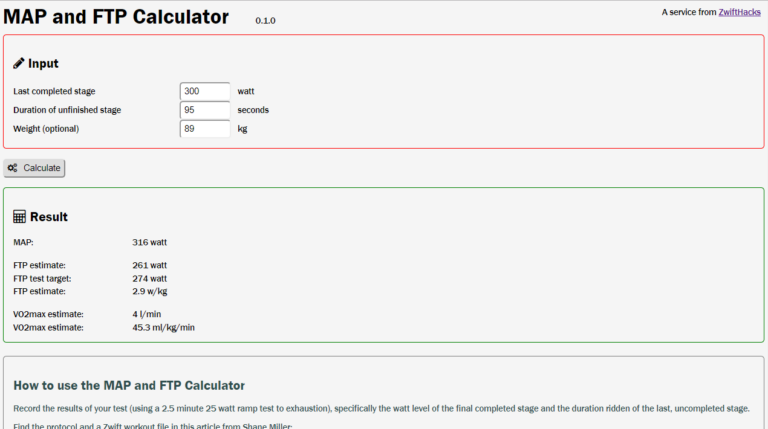
    Are you an iOS only user and have to sign up on ZwiftPower or use ZwiftGPS? Then you have to know your Zwift ID, but where can you find it? Method 1: Easy and secure A very easy way to find it is to go to my.zwift.com in Safari, pick any of your activities, and…
    Read More How to find your Zwift ID on an iOS deviceContinue

  • MAP and FTP Calculator
    Web | Workouts

    MAP and FTP Calculator

    ByJesper [ZwiftHacks] 2017-11-28

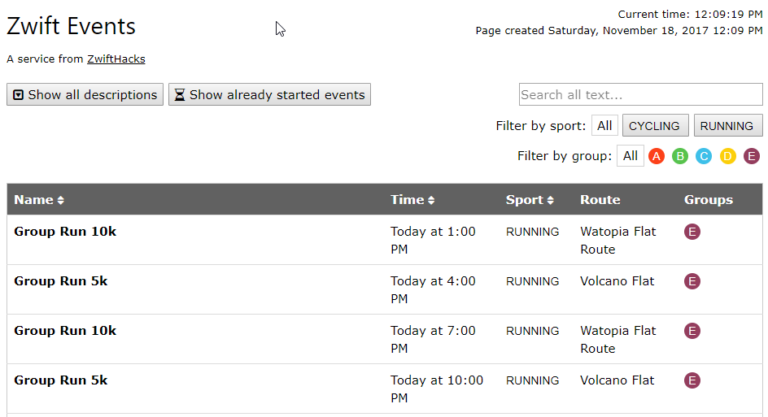
    The MAP and FTP calculator is a new tool to help you in MAP testing. The calculator will help you create a workout file to use in Zwift and help you calculate the test result. How to use the MAP and FTP Calculator Setup and download a custom workout file to use for the test…
    Read More MAP and FTP CalculatorContinue

  • What is distance or duration of the next event?
    Update | Web | Website

    What is distance or duration of the next event?

    ByJesper [ZwiftHacks] 2017-11-272017-11-27

    Some additional information, filtering and search options have been added to https://zwifthacks.com/app/events/. The event list now shows distance and duration, and lets you filter by text in the name to make it easier to isolate e.g. workouts

    Read More What is distance or duration of the next event?Continue

  • Run events in the ZwiftHacks event list
    Events | Update | Web | Website

    Run events in the ZwiftHacks event list

    ByJesper [ZwiftHacks] 2017-11-182017-11-18

    Today was the day of the first official run event in Zwift. It was a great run! So far you cannot see the run events in Zwift Mobile Link but only in the web events list and in-game. The event list here at ZwiftHacks lets you filter by sport so you can quickly find the…
    Read More Run events in the ZwiftHacks event listContinue

  • Major update to ZwiftMap – version 1.3.0
    macOS | Update | Windows | ZwiftMap

    Major update to ZwiftMap – version 1.3.0

    ByJesper [ZwiftHacks] 2017-10-29

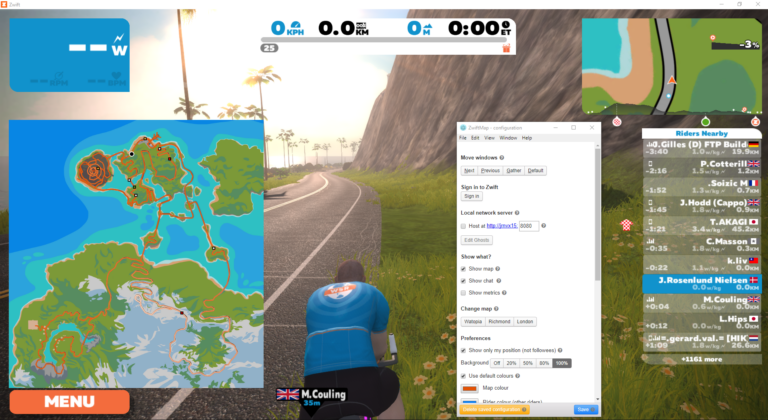
    ZwiftMap is still alive, and many changes have been implemented over the past months. Now you get to play with them – finally. What is new? The password can be saved so ZwiftMap can sign you in automatically. Be aware that the password is saved in clear text in the configuration file for ZwiftMap. The…
    Read More Major update to ZwiftMap – version 1.3.0Continue

  • Get the mini map images from Zwift now…
    London | Richmond | Watopia | Web | Worlds | ZwiftMap

    Get the mini map images from Zwift now…

    ByJesper [ZwiftHacks] 2017-10-28

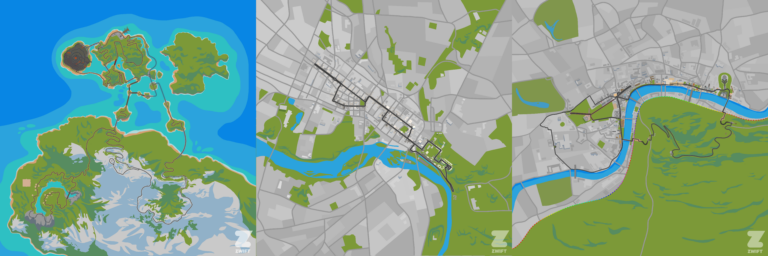
    Jon Mayfield from Zwift has released the mini map images for the community to use. Do you have any good ideas for how to use them? I have uploaded the online maps here at ZwiftHacks with the new background images. Take a look at this web app, and it will always show you a map of the…

    Read More Get the mini map images from Zwift now…Continue

  • ZwUp some more – make Zwift topmost and transparent
    Update | Windows | ZwUp

    ZwUp some more – make Zwift topmost and transparent

    ByJesper [ZwiftHacks] 2017-10-28

    ZwUp doesn’t do much, but now it does just a little more… When you run ZwUp it will make the Zwift window topmost. If the Zwift windows does not exist yet it will wait for it and then…. make it topmost. The new thing is that ZwUp now can move and resize Zwift so it…
    Read More ZwUp some more – make Zwift topmost and transparentContinue

  • Major update to ZwiftPref for macOS & Windows
    macOS | Update | Windows | ZwiftPref

    Major update to ZwiftPref for macOS & Windows

    ByJesper [ZwiftHacks] 2017-10-282018-08-02

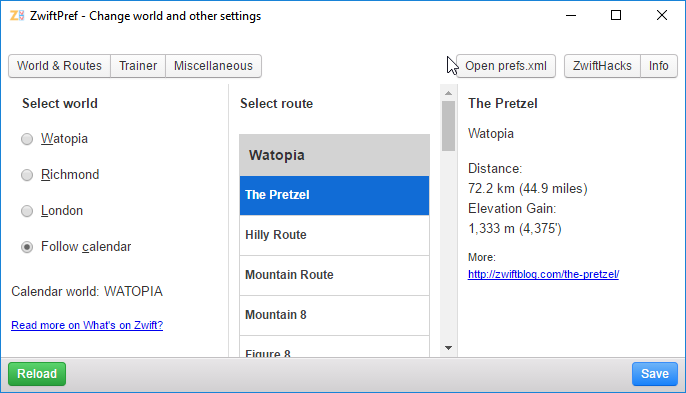
    Execute the World Hack safely with ZwiftPref and YOU get to decide where you will be zwifting today. Pre-select the route before you launch Zwift itself. See route details and upcoming events. And more… Practically all features from zwift-preferences and some new ones (toggle between Running and Riding, eh?) are in this major update to the ZwiftPref…

    Read More Major update to ZwiftPref for macOS & WindowsContinue

  • zwift-preferences and the Jungle Expansion
    Update | Windows | zwift-preferences

    zwift-preferences and the Jungle Expansion

    ByJesper [ZwiftHacks] 2017-10-28

    The addon zwift-preferences (Windows only) has not only been updated with the routes from the latest jungle expansion. In the future it will automatically retrieve the most recent list of routes from the ZwiftHacks site so you will get all new routes to choose from without having to download and install anything again (well, you have…

    Read More zwift-preferences and the Jungle ExpansionContinue

Page navigation

Previous PagePrevious 1 … 14 15 16 17 18 19 Next PageNext

Tools from ZwiftHacks

  • zwift-login
  • TR-Z-move
  • zwift-hotkeys

Who runs ZwiftHacks?

This site is run by Jesper Rosenlund Nielsen, a Zwift rider since 2015, and is not affiliated with the Zwift company in any way.

You can find Zwift (the company) at zwift.com

ZwiftHacks is also at various social media:

  • Facebook
  • Mastodon

Meta

  • Log in
  • Entries feed
  • Comments feed
  • WordPress.org
  • About…
  • Friends of the House
  • Contact…

© Jesper Rosenlund Nielsen © 2016-2026 - WordPress Theme by Kadence WP

Scroll to top
  • Home
  • Desktop Tools
    • Automate and save mouse clicks
      • zwift-login
      • zwift-hotkeys
    • Other tools
      • TR-Z-move
  • Online Tools
    • Events on Zwift
    • Routes
  • Other things
    • Top Tips & Tricks
    • Posts
    • Historic…
      • Settings and route selection
        • zwift-preferences (for Windows)
        • ZwiftPref for macOS & Windows – Change world and other settings
      • Maps and Onscreen Displays
        • ZwiftMap (macOS and Windows)
      • parse-zwift-logs
      • ZwUp – make Zwift topmost and transparent
      • The Whoa! Stopper
      • What is my Zwift ID?
      • MAP and FTP Calculator
      • Online workout editor
        • Simple ZWO Creator
      • Updates
  • About…
  • Contact…
Search