New features in zwift-preferences
A new version of zwift-preferences is ready for download. New functionality:
- Toggle ERG mode
- Menu bar added
- Reload from
prefs.xml - Launch My Dashboard on zwift.com from the menu or with Ctrl+D

A new version of zwift-preferences is ready for download. New functionality:
prefs.xml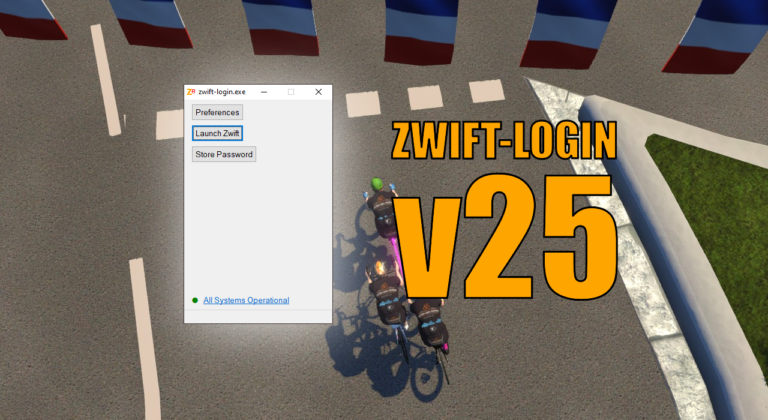
In the new version of zwift-login it is now user configurable if it will launch zwift-hotkeys and/or TR-Z-move together with Zwift

TR-Z-move has been updated to version 3. The only change is a bug fix – the interval summary window was occasionally moved away from its position right above the minimal workout window. How to use If you use the ‘Watch for changes’ option it doesn’t matter in which sequence you launch TrainerRoad, Zwift, and TR-Z-Move….
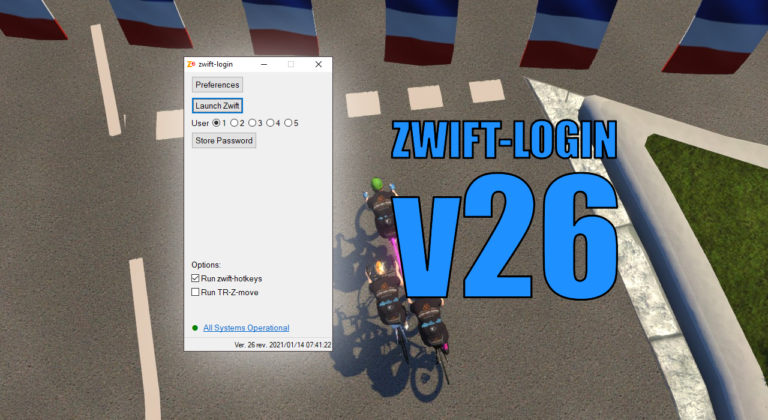
This is an important update to zwift-login if you have more users sharing the same Zwift installation.

It is really to simple to select a world other than Watopia and the guest world of the day with zwift-preferences and ZwiftPref. Just remember that you must click on the name of that world in the Ride with… screen to choose it before you press ‘Ride’.

A minor bug in zwift-preferences in time zone conversion (when displaying data from MapSchedule.xml) has been fixed. Other changes: You can now open prefs.xml from the Other menu, the minimal leaderboards option is now included, plus some tweaking on the Miscellaneous tab.
The following tools have been updated to work with the new location for prefs.xml and log files under the %localappdata% folder: