A new look
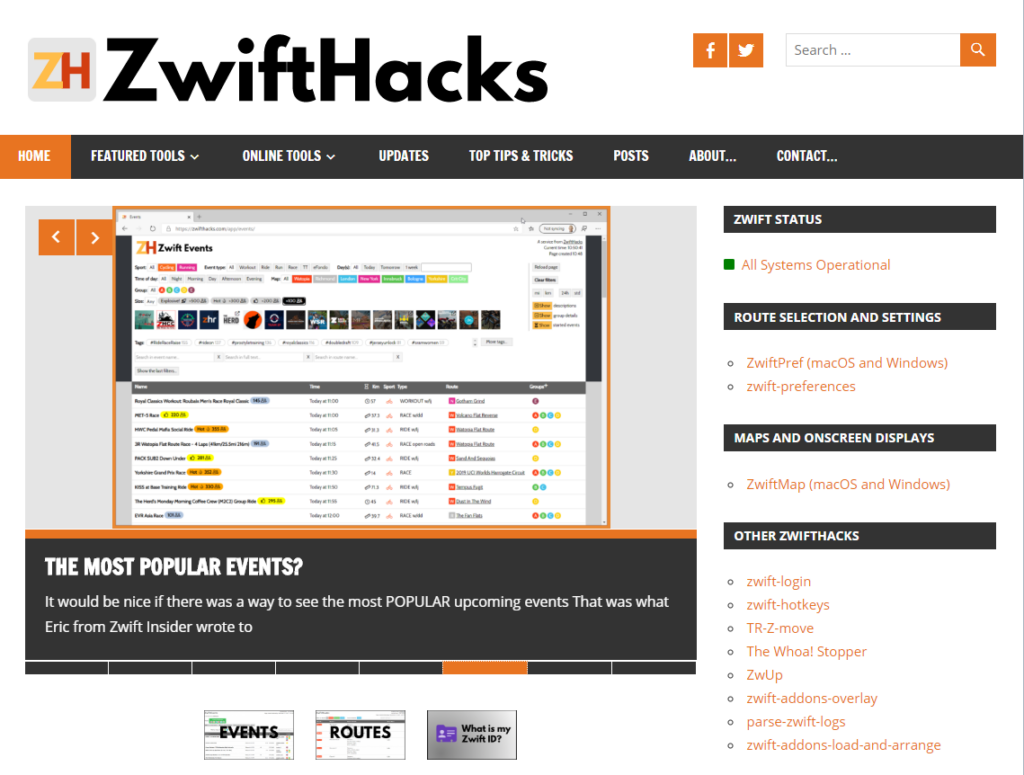
Do you like it?
I’m talking about the new look of the ZwiftHacks website. Newer, fresher, and hopefully also easier to navigate.
Anyway, it’s live now and I hope you do like it.

Do you like it?
I’m talking about the new look of the ZwiftHacks website. Newer, fresher, and hopefully also easier to navigate.
Anyway, it’s live now and I hope you do like it.
I was once in a group ride and struggled to remember exactly what the advertised route and pace was. That made me wish for a way to see the event description even after the event has started. This was the original idea that lead to the event list you find at ZwiftHacks. By now Zwift… via…
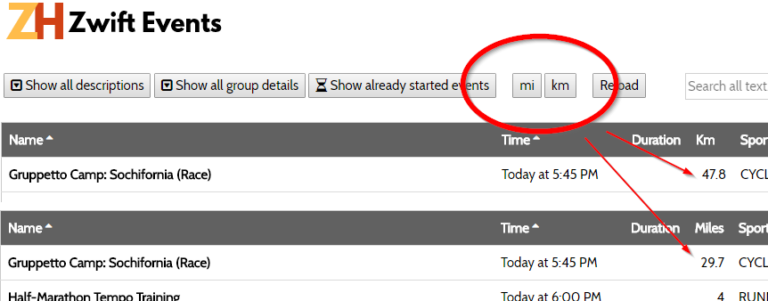
It is almost like magic (but only almost) when you toggle between miles and kilometers and miles and kilometers and … Try it at the events list.
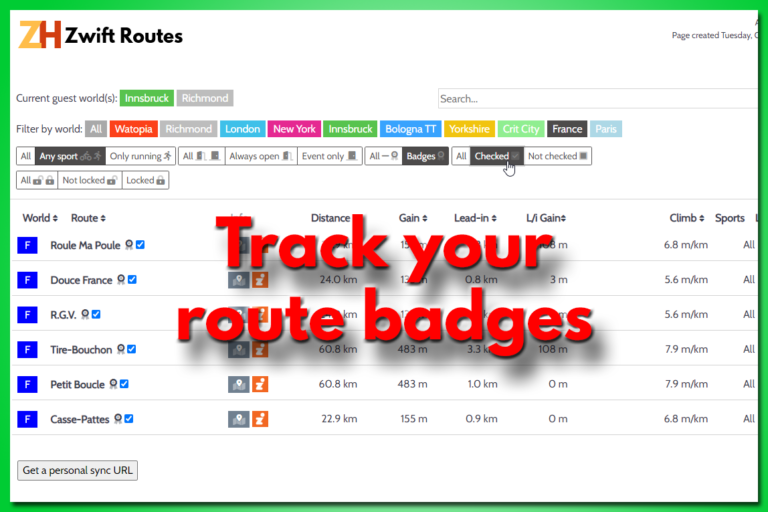
There is a new way to track your route badges. It doesn’t require you to create any user account but simply stores the info in your browser. It also gives you a dedicated URL / web page address you can bookmark. Use that and you can access your data from anywhere. The Zwift Routes page…
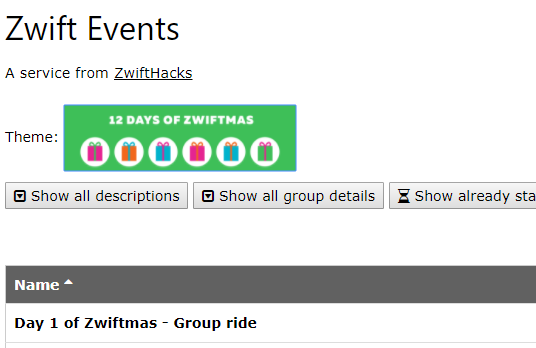
Will you be taking part in the 12 Days of Zwiftmas? The events list at https://zwifthacks.com/app/events can quickly give you a list of the 12 Days of Zwiftmas events. Just press the button which says (… drumroll …) ‘12 Days of Zwiftmas’. Ta-da!
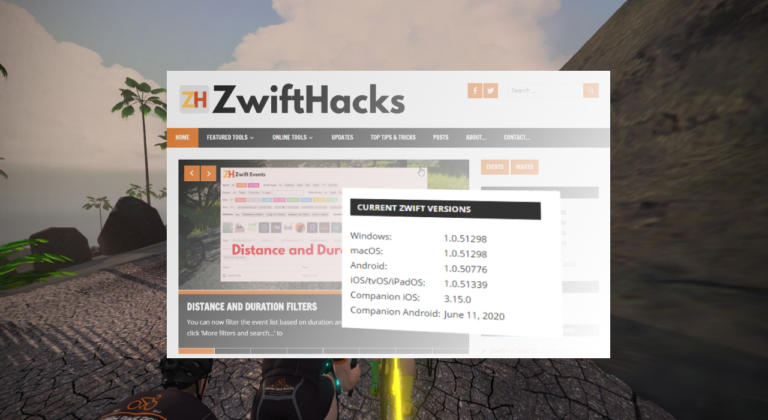
These are the current Zwift and Zwift Companion App versions: This page updates automatically when a new version is released by Zwift. The information is also always available at the front page of ZwiftHacks. Google Play Store links If you do not see this version/release date when you visit the app page in Google Play…
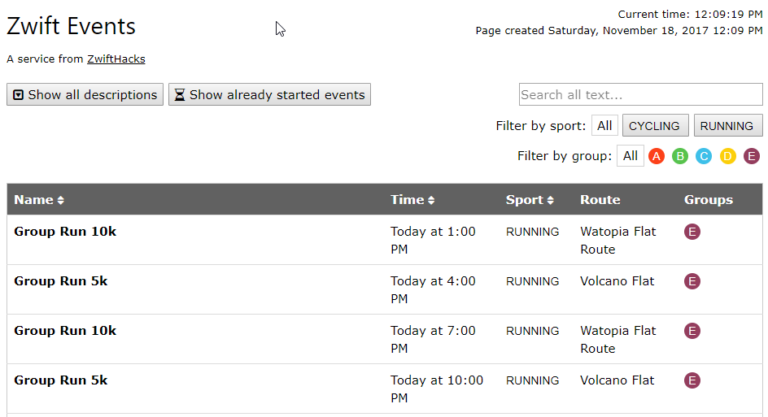
Some additional information, filtering and search options have been added to https://zwifthacks.com/app/events/. The event list now shows distance and duration, and lets you filter by text in the name to make it easier to isolate e.g. workouts
I don’t like it – I love it. I use this page every day. Thanks for all the work!
This is the best Zwift events calendar out there.
A couple of feature requests:
Filter events by length i.e. more than 10m & less than 20m
Filter out events that are ‘Ladies only’, or rather ‘Open’ & ‘Ladies only’ filter
Show or filter in/out events when rules include things like ‘No ZPower riders’ & ‘HRM mandatory’
Website performance tips, from a fellow web developer:
There are still some images, css & JavaScript files that could cached to speed up page load time.
The website is making about 30 requests for images, css & JavaScript files, most web browsers can only make 16 requests in a batch, and so it’s taking longer to request all files. If you can reduce the number of requests to below 16, you could nock another 500ms of the load time.
Thanks for your feedback and ideas. They are valuable.
The page really needs a trimming to cut the number of dependencies, that’s true.