Fix to TR-Z-move for multi display setups
 TR-Z-move was just updated to version 5 to fix a bug in how Zwift was resized in some multi display setups.

TR-Z-move was just updated to version 5 to fix a bug in how Zwift was resized in some multi display setups.
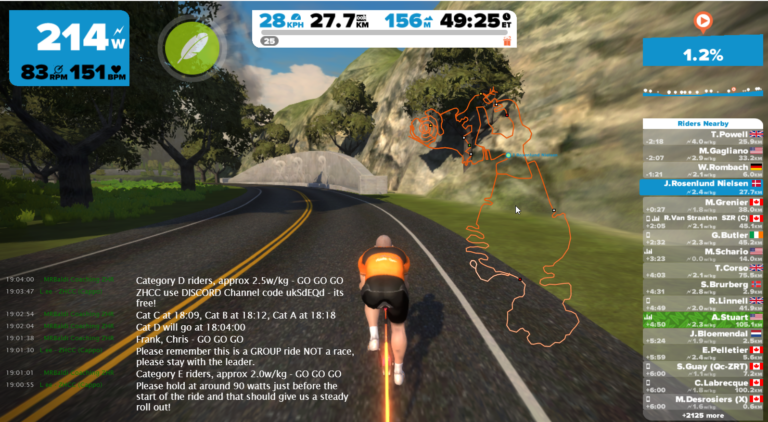
The next version of ZwiftMap is in the works. In particular because of some excellent contributions from Andy Lee you can expect several exciting new features. This picture reveals a few of them if you look closely. Some even more advanced things will be revealed in the next preview…
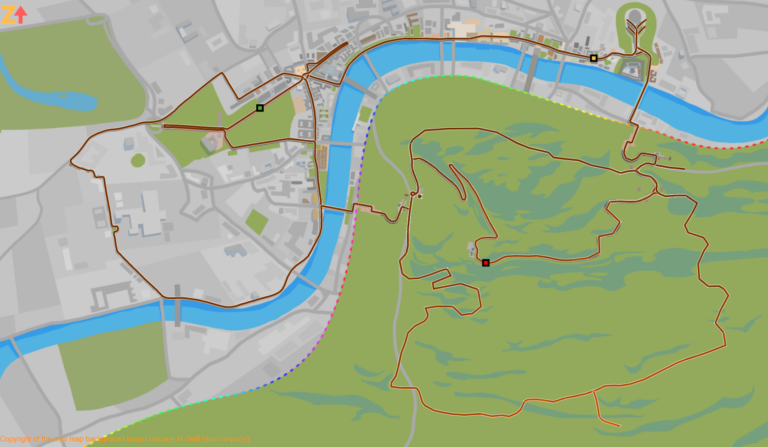
The London map in ZwiftMap has just been updated with the new stretches of road. You don’t have to download any software to get the new map – it is retrieved automatically by Zwiftmap.

Update 2022-11-30 – This doesn’t work anymore 🙁 Update 2020-05-10 – The most recent version of Zwift tries to read workout.categories from the folder Documents\Zwift\Workouts and not as described below. You could try manually creating the file here instead and see how it goes. See the comment section for a comment from today (2020-05-10) with the default…
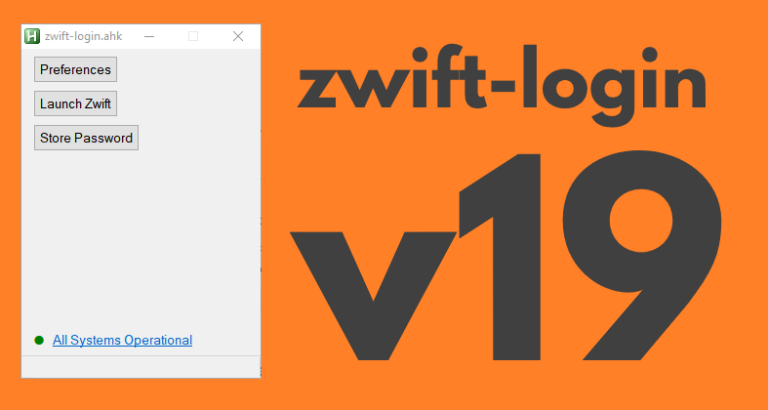
zwift-login is fixed to launch TR-Z-move together with Zwift if both scripts (zwift-login and TR-Z-move) are located in the same folder. Download the update Get the new version 19 at the zwift-login page.
Finally uploaded a bug fix version for https://zwifthacks.com/zwift-preferences/ from 2016/08/22. Corrects a possible bug in earlier version of the script which meant that a choice of a London course could be saved incorrectly

UPDATE: This was the original announcement of ZwiftPref. The most recent information can be found over at the main page for the app. You want to make use the hidden setting with which YOU get to decide where you will be zwifting today? You want easy access to set trainer effect (also called resistance level)…