zwift-preferences v34
There is a very small bugfix release of zwift-preferences, just fixing a bug in the remember monitor and remember controllable trainer functionalities.

Download
Get the new version at the zwift-preferences page.

There is a very small bugfix release of zwift-preferences, just fixing a bug in the remember monitor and remember controllable trainer functionalities.
Get the new version at the zwift-preferences page.

Important note re. the new home screen in Zwift: Since Zwift doesn’t show your last selected route in the new home screen you cannot activate a ride on your last selected route anymore. That also means that you cannot activate a ride on a route pre-selected with zwift-preferences / ZwiftPref. There is no way to…
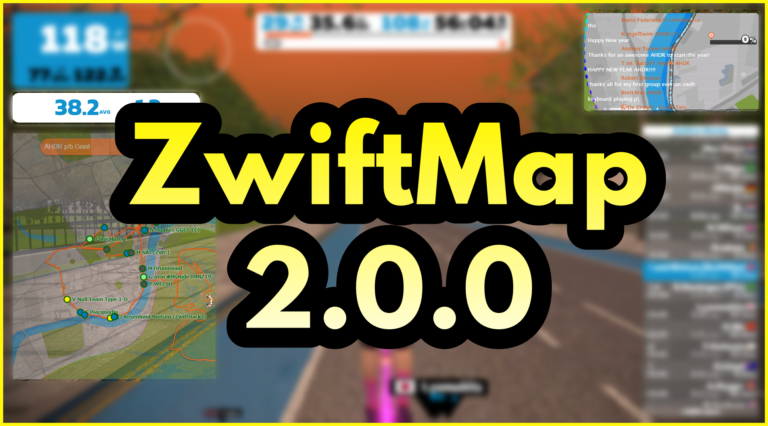
After a long proces of rewriting and testing ZwiftMap (thanks to all who helped!) it is now again possible to see where other riders are in ZwiftMap. Opt in to ZwiftGPS at my.zwift.com, download ZwiftMap, and you are ready to go! What is new? ZwiftMap 2.0.0 is delivers much of the same functionality as ZwiftMap…
If you want to read more about the features in ZwiftMap read the announcement for version 2.0.0 or some of the other information accessible from the ZwiftMap page. If you just want to download it head over to the ZwiftMap page. What is new? ZwiftMap 2.1.0 is really just a service release with a couple…
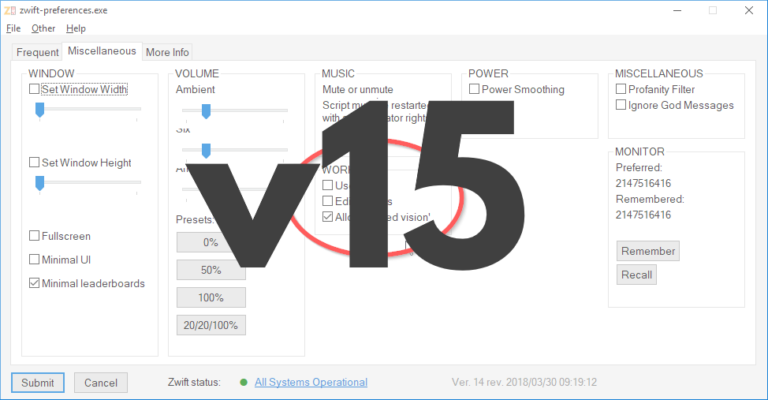
zwift-preferences has been updated to version 16, just to make sure that it shows you the current map/world correctly. Download the update Get the new version 16 over at the zwift-preferences page.
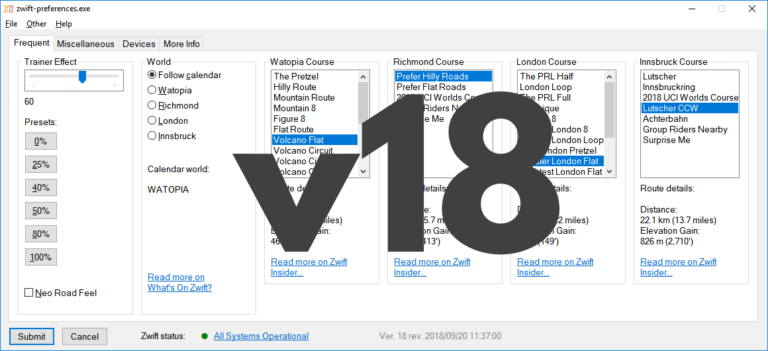
zwift-preferences introduces a new ‘Devices’ tab where you can see which devices are stored in prefs.xml. You can also remove the controllable trainer from the list and later add it back to it. The Trainer Effect slider has been tweaked a bit, too. Remember/Recall the controllable trainer The Remember/Unpair/Recall buttons are useful because you won’t have…
ZwiftMap 2.1.9 fixes a problem with missing chat messages. Hopefully all messages should now be shown when you run ZwiftMap with the network capture features activated. For macOS it should also improve the ride metrics display (that was fixed for Windows in the last version 2.1.8 but not for macOS). Where can I get it?…
Thnx for the update. I noticed something. As I rode most of the route on zwift I have the zwift-preference on Follow-Riders-Around-Me (not sure about the correct name).
When I start with Zwift-login and I am at the route selection. The follow-riders-around-me is not selected.
on a side note…I dont think the follow-riders-around-me is working
I liked to add that the route option is called “Group Riders Nearby”
I’ve justed tested this. It’s a change in Zwift itself, it seems – it never remembers your route choice if you chose ‘Group Riders Nearby’ or ‘Surprise Me’ (actually, the choice is written to prefs.xml by the game but ignored when it launches the next time).
It’s not something I can fix, unfortunately.
I’ve removed Group Riders Nearby and Surprise Me from the route list for now to mimic how Zwift works. You can still choose them in-game, of course.
Ok i understand. Thanx for testing.
It seems it doesnt work in Zwift as expected because at every fork in the route it just chooses the same option. I would expect to ride a different route/ or random to go left or right. I rode 6 laps, every time the same lap.